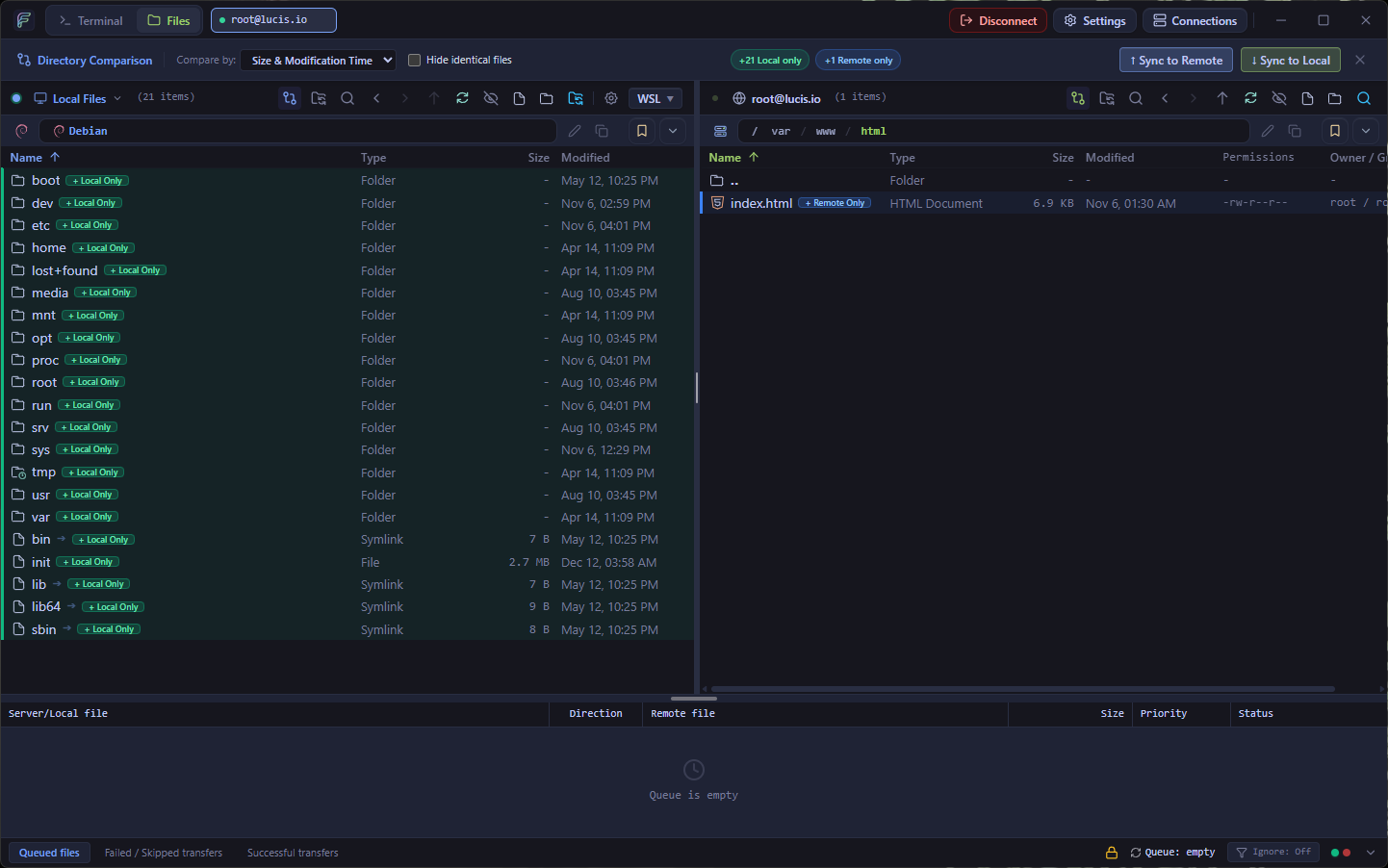
When managing production Linux servers or staging environments, small mistakes — like uploading a file into the wrong directory or overwriting an edited remote config — can cause outages. FlowSFTP includes three built-in tools designed specifically to prevent those mistakes.
1. Folder Pairing & Synchronized Browsing
In the Site Manager (Ctrl+M), you can configure Folder Pairs that map a local directory (for example, ~/projects/api-server) to a remote directory (/var/www/api-server).
When Synchronized Browsing is enabled, navigating into config/ on your local pane automatically navigates into /var/www/api-server/config/ on the remote pane.
2. Recursive Remote SSH Grep
Need to find which configuration file or log contains a specific error string? Open the Remote Search (SSH Grep) modal to execute a server-side search across thousands of files in milliseconds without downloading them first.
3. Side-by-Side Diff & Checksum Verification
Before overwriting a remote file, right-click and choose Compare with Local to open the side-by-side diff viewer, or verify file integrity using remote SHA-256 and MD5 checksums.